"Permafrost"
Level Designer
November 2024 - December 2024

insert gif / vid that loops of the player looking up at the seed vault in a relative straight line OOOORRRRRR where it is showcased that there is only ONE way to get to the top
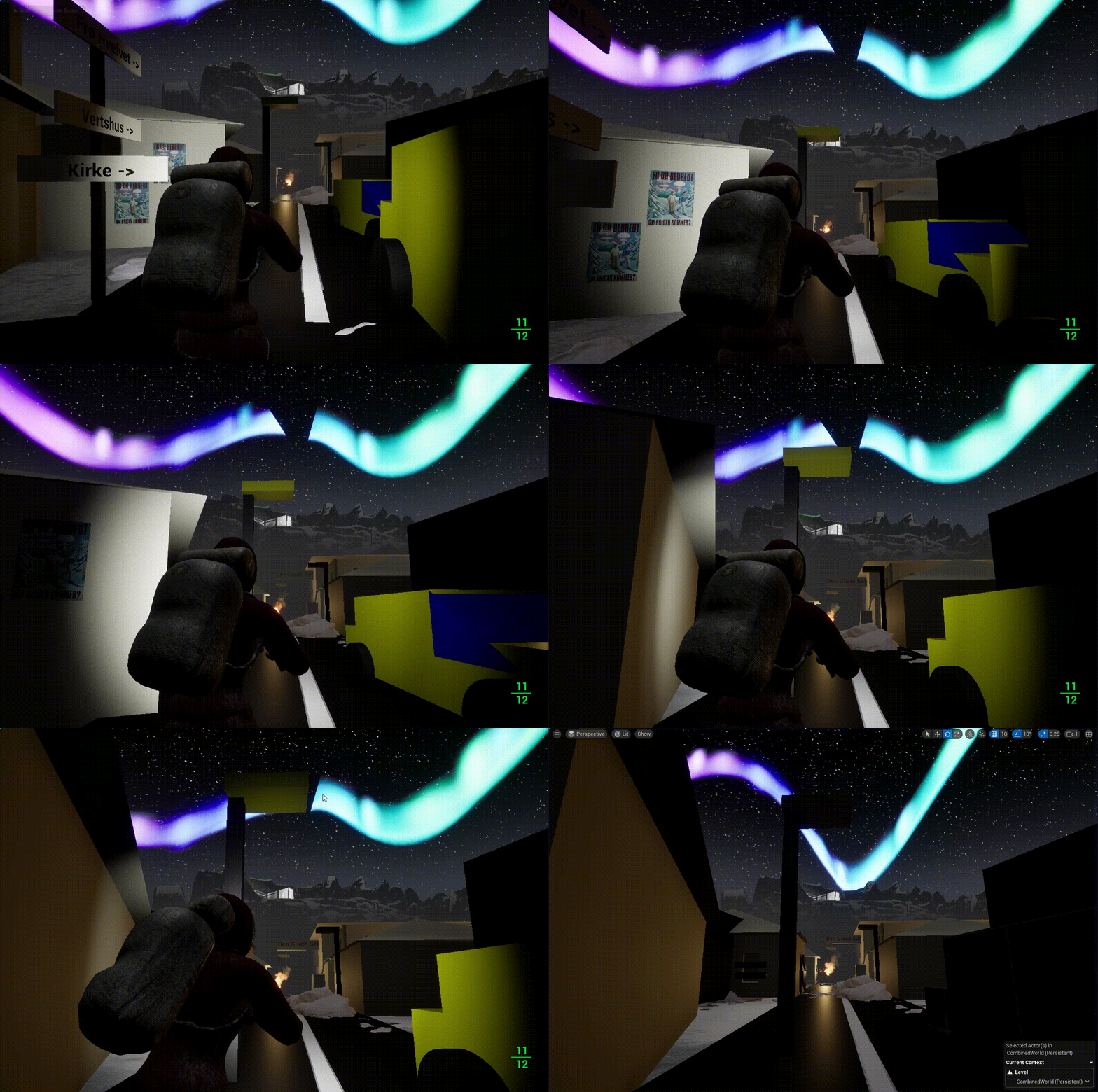
Supports Multiple Playstyles
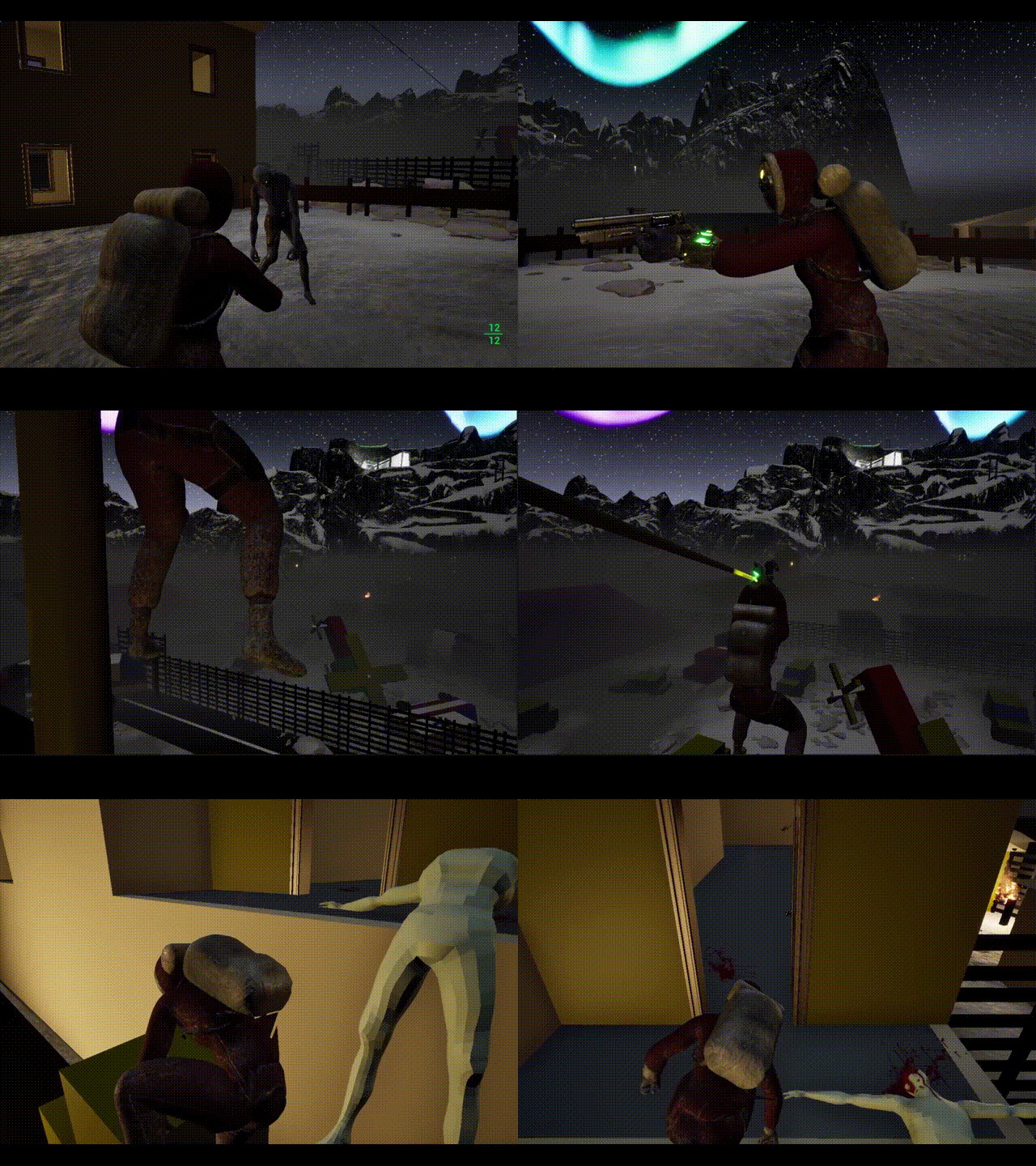
Wether you want to be up close and personal with a hand-axe, or be a classic "stealth archer" from the shadows via VATS, or just a running-and-gunning killing machine. This vertical slice gives the player agency for their choices.
insert gif / vid that loops of the player using VATS, drinking NUKA "solo" and using the enviroment to overcome challenges.
Linear-World Design
The level design in this vertical slice imitates the at-times linear-design, in an otherwise open-world design.
insert gif / vid that loops of the player having different playstyles, or just different ways of killing the enemies* one with axe and bat, one with 10mm from crouched and several with full automatic fire.
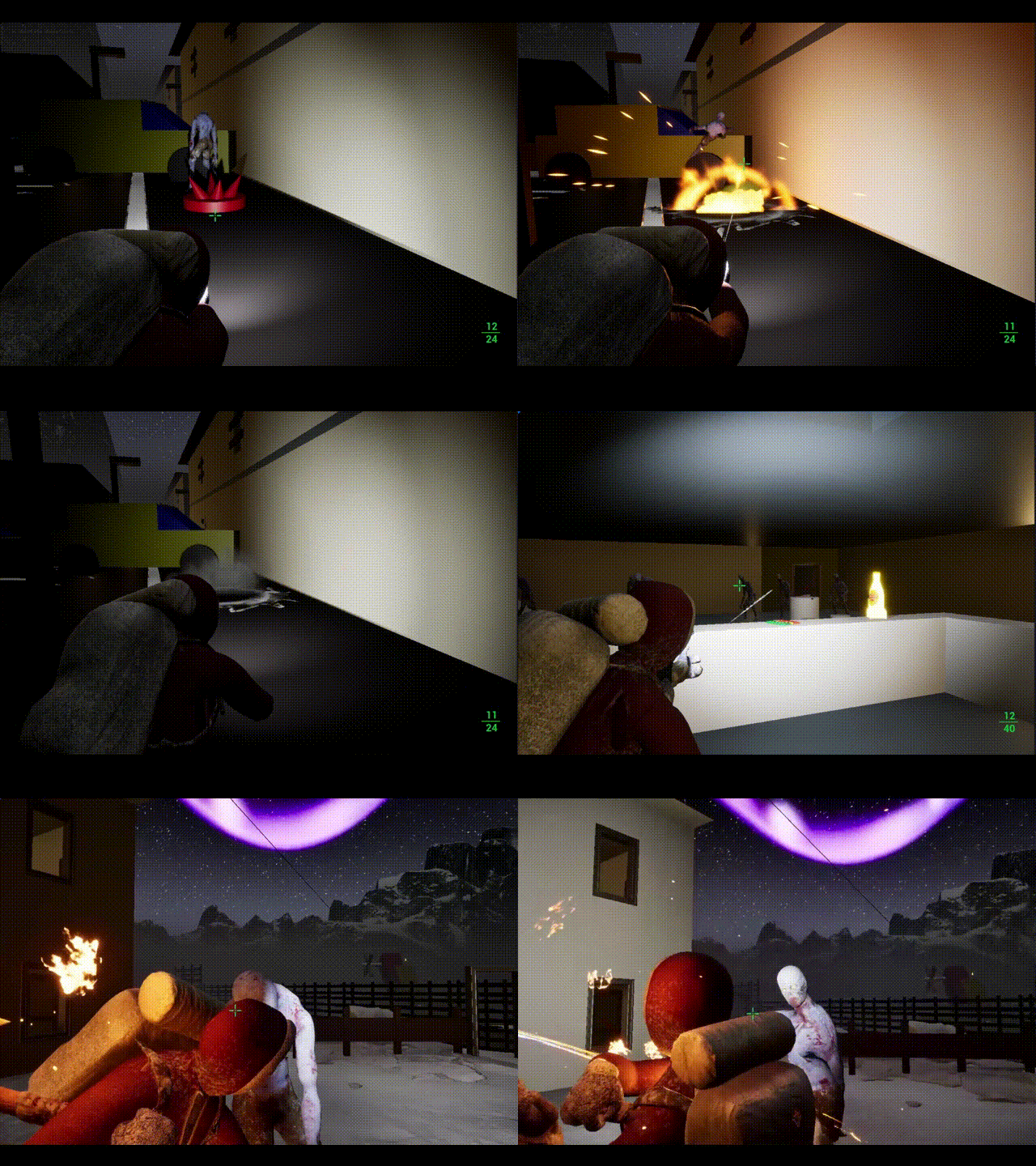
Semi-Featured and Playable
V.A.T.S , geography/layout that blocks enemies line of sight, and other tools (zip-line) are featured in this level. This level mostly follows the rules and constraints Fallout 4 use to make its varied quests exciting and rewarding.
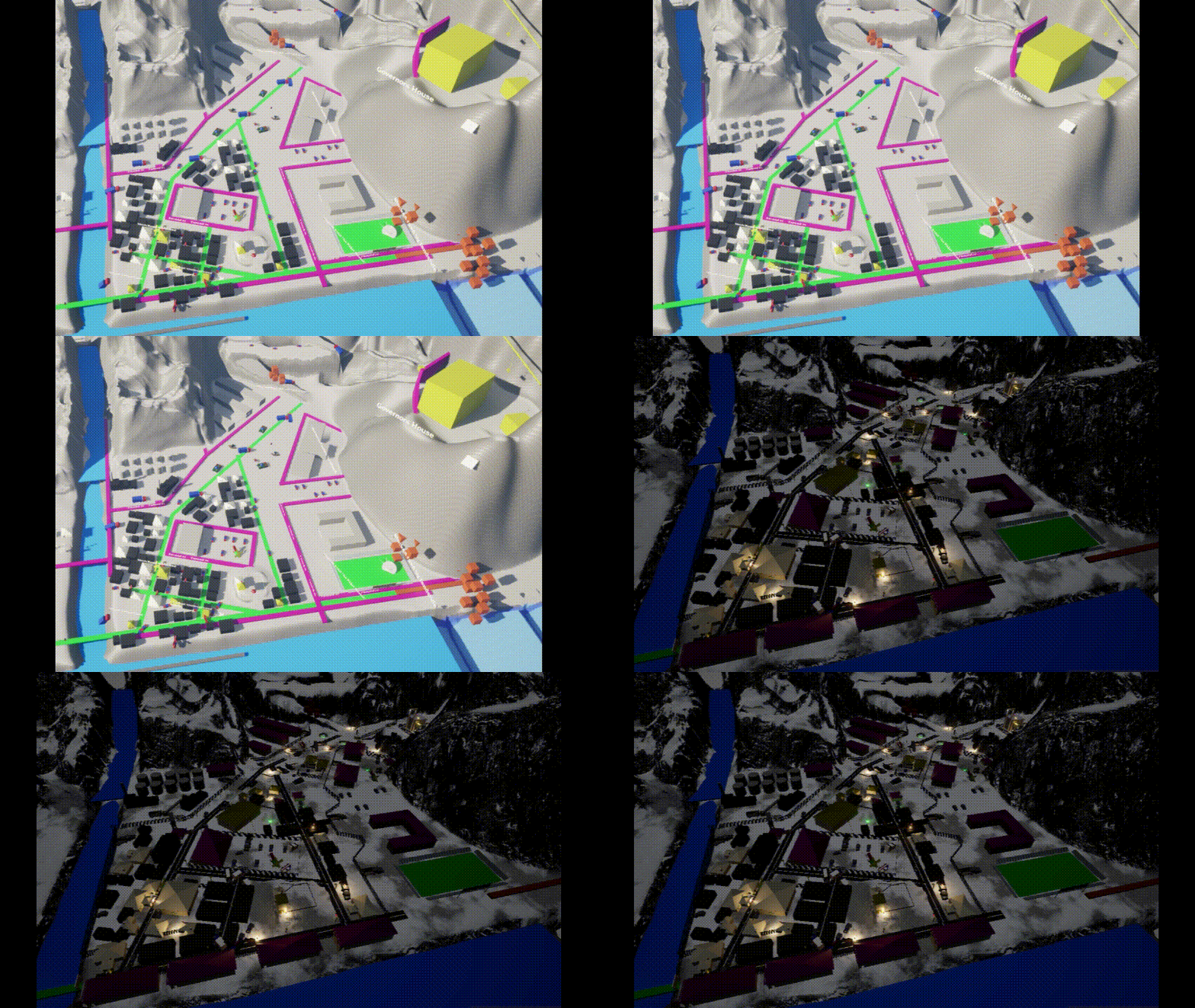
Blockout Timeplapse
Insert timelapse via either gif or vid of the timelapse larger scope screenshots from start to finish
Overview
Narrative/Setting: You play as a scout for one of humanities laast hold-outs, located in Norway. Your mission is to travel to Svalbard, locate the "Svalbard Global Seed Vault" and retrive some seeds from it that can sustain your colony for a little longer.
Requirements/Constraints: This is a relatively large sized level, where I would like to explore the level design behind the "Fallout" games from 3 and forward, specifically in an urban setting. This is set in a third-person POV with mechanics which can be found in the GASP version around the production time, and a replication of the V.A.T.S mechanic to really sell the "Fallout" feel.
Genre: Action Adventure
Platform: Windows PC
Engine: Unreal Engine 5.4
Tools Used: UE 5.4, GASP (Game Animation Sample Project)
Team Size: 15
Role: Concept, Blockout, Lighting, Pacing, Scripting, Combat Encounters Design, Prop and Texture Placement
Playable build:
tbd
Goals & Restrictions
My goals with this project were to:
-
Learn more about POI (point of view) Level Design.
-
Practicing, honing and sementing my level design pipeline.
-
Design a level that would naturally slide into the Fallout universe
-
Create a playable level using a character controller pack for more in-depth and heavier prototyping experience.
I placed restrictions on this project in order to try and keep the scope of this project to a doable level, and to give myself a reasonable deadline. These restrictions include:
-
No art passes with high definition props and such.
-
Avoid utilizing the GASP mobility for climbing and such too much.
-
Enemies are placed mainly in pockets, and are not patrolling.
Level Layout & Mission Objectives
Here is the level layout and its different sections.


The mission objectives of this level are:
-
Kill or avoid dangers.
-
Get to the Seed Vault via Coal-Cable-Way.
-
Defeat the Irradiated Polar Bear at the top.
-
This last objective can only be completed after successfully completing objective 2.
showcase enemy locations
When image is clicked it opens a pop-up.

Enemy locations
mark down coal-cable-way
When image is clicked it opens a pop-up.

Coal-Cable-Way
jott down seed vault and boss battle
When image is clicked it opens a pop-up.

Irradiated Polar Bear and Seed Vault
The mission is over when all the objectives are completed.
My Process
Step 1: Research
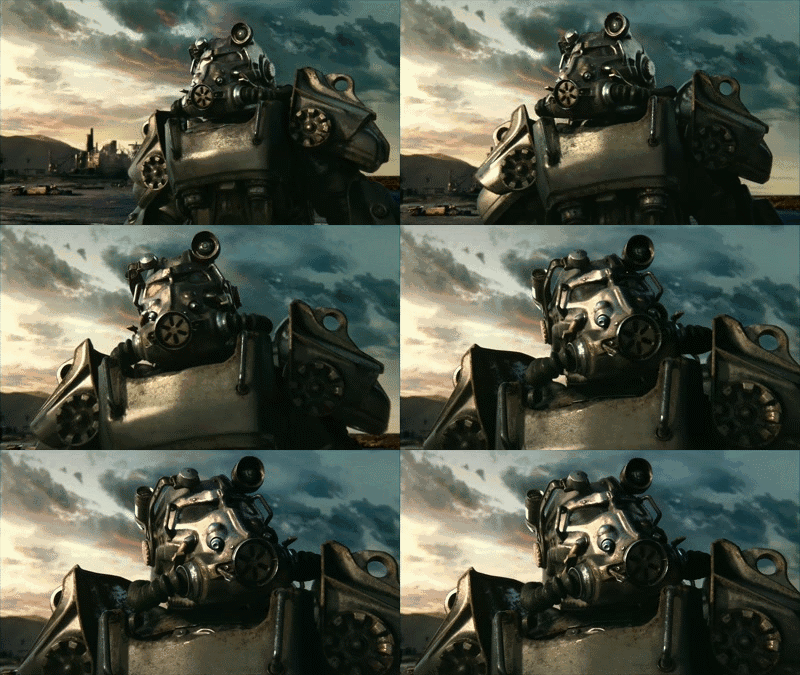
I naturally started this group project by first researching through playing parts of Fallout 4. I ended up focusing on a couple of interesting sites, some you get introduced to early, and some later.
short vid or gif of something cool game cutscene or moment.
When image is clicked it opens a pop-up. Area 1

When image is clicked it opens a pop-up. Area 3

When image is clicked it opens a pop-up. Area 2

When image is clicked it opens a pop-up. Area 4

When looking at these areas/missions, I took notes of what stood out to me in each one. Questiones were:
-
What is the mission structure of the area, and how does it influence the level design?
-
Is it part of a liniear mission or open-world?
-
-
What common elements exists between these?
-
What similar geo is found between them?
-
-
What elements sets them aparts from eachother?
-
What playstyle(s) does each support?
-
What is the player flow in each area?
-
How are enemies placed?
-
How is covered placed?
-
Are there POI (points of interests)?
-
And do these offer some reward for seeking out?
-
When image is clicked it opens a pop-up. Area 1

When image is clicked it opens a pop-up. Area 2

When image is clicked it opens a pop-up. Area 3

When image is clicked it opens a pop-up. Area 4
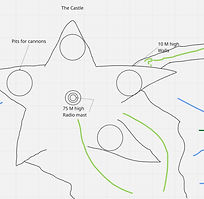
(I created top-down maps of each of these in-game "areas" to understand how these spaces were constructed. These are not drawn to scale and are made just to help me get an understanding of what fundamental design pieces I need when approaching my initial design. Click to expand to get a better look.)
Step 2: Level Design Document
Before diving into UE 5.4 to start messing about with my building blocks, I decided to make a quick level design brief. This is for me to help organize and understand what I want the level to be. Pared with a Level Design Document, the theme, mission objective, narrative playtime duration, level beats, pacing and metrics laid out. With all that in place, it would help me keep myself on track, and don't diverge too much from the planned out path.
Step 3: Reference and Inspiration

Describe your image

Describe your image

Describe your image
Describe your image
clusters of pictures of the different areas clumped up together with accompanying 2D maps drawn of these areas.
When image is clicked it opens a pop-up. Area

After landing on a good idea of how I wanted my level to be structured, I collected references using in-game photos I took myself, and sifted throgh the internet for additional photos.
Here is the notes I took when playing through the different areas and missions. Core ideas as I saw them, design notes and a general comparison inbetween them.

Step 4: 2D Map
When making my 2D map, I made sure to bring along a couple of fundamental cincideraations from my notes when making my initial design:
-
Landmarks: Strong visual anchors (e.g., coal power plant, church, seed vault, harbor cranes, mountains).
-
Approach routes: Multiple paths into/through areas (main roads, alleys, tunnels, snowy hills).
-
Verticality: Mark rooftops, slopes, docks, elevated terrain — Fallout relies heavily on height differences.
-
Player agency: Show alternate entry points (front assault, stealth side path, hidden tunnel).
-
Hub vs. Dungeon: Decide if an area is a safe hub (like Acadia/Bunker Hill) or combat dungeon (like Corvega).
-
Harsh climate obstacles: Snowdrifts, collapsed ice tunnels, frozen rivers as barriers/paths.
-
Visibility: Open snowy streets vs. tight interiors (contrast).
-
Resource scarcity: Buildings as loot zones (coal miners’ barracks, abandoned shops, research labs).
-
Faction flavor: Raiders scavenging docks, synths hiding in research stations, Minutemen-style outpost in a fort-like structure.
-
Seed Vault: Natural “dungeon finale” — underground, secure, iconic landmark.
Step 5: Blockout, Iteration & Feedback
this is also supposed to be a "clicked on and then opens a pop-up"

Initial 2D Map Design
this is also supposed to be a "clicked on and then opens a pop-up"

Feedback:
After blocking out my first layout by following the 2D map I made (as well as making some minor tweaks along the way) I ended up with things to keep, and things to refine and iterate on.
Things to keep:
-
Clear landmark placement — strong focal points that help orientation.
-
Multiple approach routes — feels non-linear, supporting player choice.
-
Good scale variety — open areas vs. tighter enclosed paths.
-
Chokepoints visible — potential for tactical encounters or faction battles.
Things to refine:
-
Flow clarity: Check that the main path vs. optional side paths are easy to distinguish on your map.
-
Verticality markers: Use arrows, shading, or icons to show height differences (ramps, rooftops, slopes). Fallout spaces rely on this.
-
Hub vs. Dungeon contrast: Decide which areas are safe/trade hubs vs. combat-heavy spaces — mark this on the map.
-
Landmark readability: Make sure each landmark has a unique silhouette/shape on the map so players won’t confuse them.
-
Encounters pacing: Space out potential combat zones with calmer exploration spots to avoid fatigue.
-
Hidden/secret areas: Add at least one “off-path” discovery (tunnel, cellar, cave) to reward exploration.
A big problem, that presented itself very early was that the map was to open (the fences and such were a later addition), so that players would easily get lost and backtrack needlesly.
Showcasing the problems with initial map layout
this is also supposed to be a "clicked on and then opens a pop-up"

Showcasing the improved map layout that adresses a lot of issues.
this is also supposed to be a "clicked on and then opens a pop-up"

As one can see in the picture to the left, there a now a lot more "rails" in place to keep players from going "out-of-bounds", getting lost and backtracking. This is done with arcitecture, rubble and in some instances with geography.
last photo of final blockout, maybe need to have 2 pictures since big?
this is also supposed to be a "clicked on and then opens a pop-up"

Describe your image

Describe your image

Describe your image
Describe your image
With this new design, here is how all the other feedback from subsequent playtests resulted in above:
A quote from one of the playtesters in my class at the final playtest of this level:
"The level’s final design offers a clear and inviting critical path supported by natural barriers and landmarks, ensuring strong player orientation. Pacing has been refined through well-balanced combat encounters and rewarding exploration, creating a believable and engaging gameplay flow."
Other Ideas, Though Process and Design Decisions
Some more info about thoughts heading into this project, regarding oper-world vs linear-world and comparing them.
Linear Level:
-
Has a longer duration.
-
Space is more hallway/corridor-like, connecting a series of rooms/bigger spaces.
-
Encourages players to keep moving forward, may also include the use of valves that prevent going back.
-
Usually has 1-2 ways of moving forward.
-
Part of a main mission.
Open World Level:
-
Can be long or short depending on playstyle.
-
Arena shape that is more circular, wider, and more open.
-
Encourages the player to explore the space and look for alternative paths which can potentially fork into the same space. No valving or gating.
-
Usually has more than 3+ ways of moving around the level.
-
Usually a side mission.
Vertical Navigation Possibilities:
picture that shows vertical ways, both over and under :D drawn out via a 2D map from above.
this is also supposed to be a "clicked on and then opens a pop-up"

With this verticality implemented the player can quickly traverse the level stealthly and looking pretty cool while doing it, if I dare say so myself.
Video or gif showcasing the verticality, above and below!
this is also supposed to be a "clicked on and then opens a pop-up"

Describe your image

Describe your image

Describe your image
Describe your image
Showcasing the "vertical highway"
Showcasing the zipline
Full playthrough
Enviromental Storytelling:
this is also supposed to be a "clicked on and then opens a pop-up"

showcase enviromental storytelling 1
this is also supposed to be a "clicked on and then opens a pop-up"

showcase enviromental storytelling 2
this is also supposed to be a "clicked on and then opens a pop-up"

showcase enviromental storytelling 3


